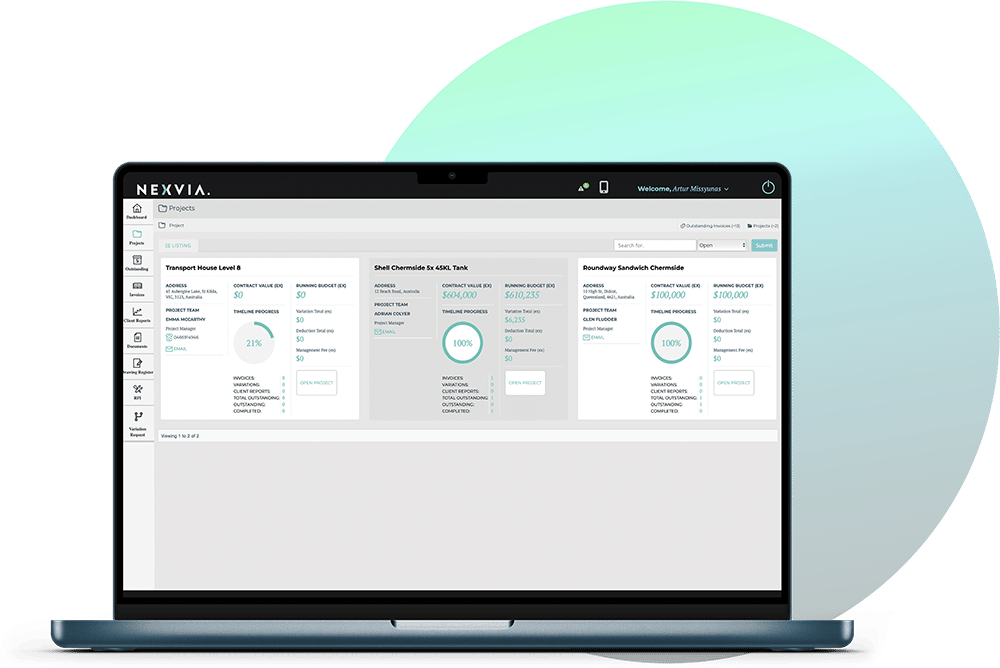
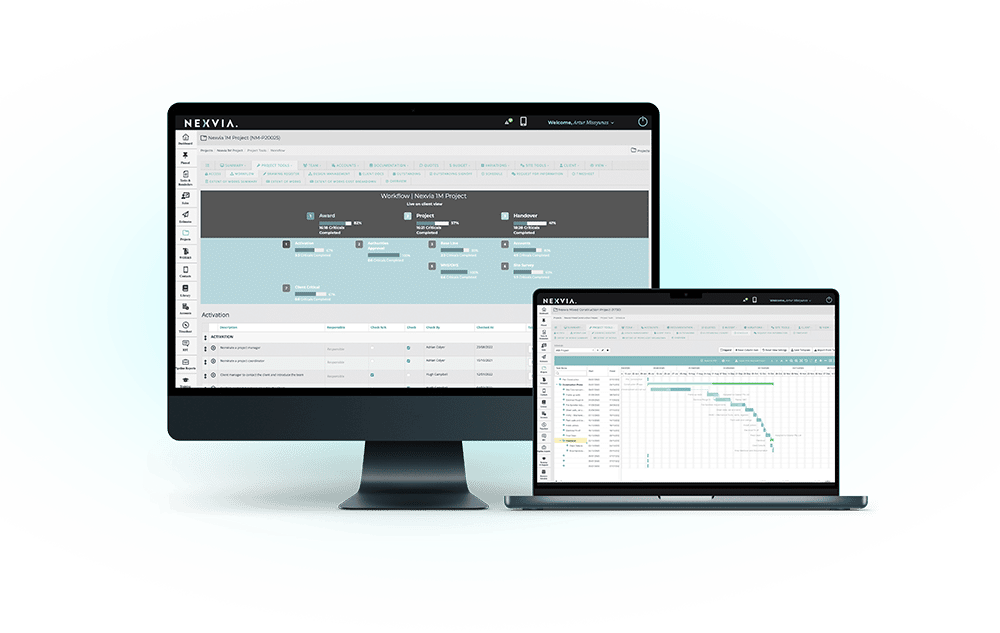
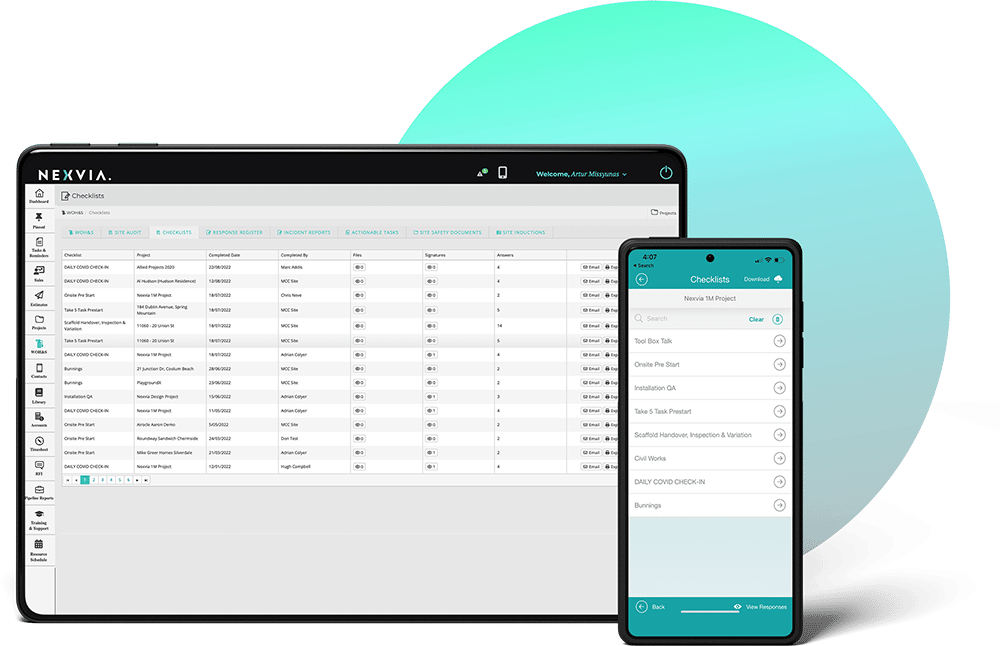
Nexvia’s construction management software offers you a comprehensive suite of tools that deliver significant benefits for site management, ensuring your construction projects are executed with efficiency, accuracy and greater control. By leveraging Nexvia’s construction project management software, you can improve collaboration, reduce errors and deliver more successful project outcomes.
With Nexvia’s construction software, you gain real-time visibility into your site activities. This feature allows your project managers to monitor progress, identify potential issues early and make informed decisions quickly. The software also integrates various site processes, providing a unified platform that improves communication and coordination among your team members.
Nexvia’s construction project management software also streamlines the assignment of tasks to different team members, ensuring everyone knows their responsibilities and deadlines. This organised approach reduces confusion and improves productivity. The reporting tools also offer detailed insights into project performance, helping you track progress against goals and identify areas for improvement.
Additionally, Nexvia’s construction software improves your scheduling, resource and budget management. It helps you create accurate schedules, allocate resources efficiently and track expenditures against budgets by providing real-time data and analytics, for proactive decision-making. This integrated approach minimises delays and cost overruns, ensuring your projects are completed on time and within budget. Furthermore, the software’s document management features ensure all project-related documents are stored in a centralised, easily accessible location, reducing the risk of information loss and improving collaboration.
Yes, Nexvia’s construction management software includes comprehensive site defect management tools, designed to streamline the entire process of identifying, tracking and resolving defects on construction sites. Effective defect management is crucial for maintaining high-quality standards and ensuring client satisfaction. Nexvia’s defect management features are integrated within the construction software, providing a centralised platform that improves efficiency and accountability.
With Nexvia’s defect management tools, you can quickly log defects as they are identified, attaching relevant details such as descriptions, photos and locations. This ensures all defects are recorded and documented accurately. Once logged, defects can be assigned to specific team members or subcontractors who are responsible for fixing them. This clear responsibility ensures action is taken quickly, reducing delays and rework.
The software also provides tracking capabilities, allowing you to monitor the status of each defect from identification through to resolution. This visibility helps you prioritise tasks and ensures critical issues are addressed first. Additionally, Nexvia’s construction management software includes automated notifications and reminders, ensuring all stakeholders are kept informed about your progress and deadlines.
By using Nexvia’s defect management tools, you can maintain higher quality standards, improve site safety and ensure compliance with regulatory requirements. The streamlined defect management process reduces the incidence of costly rework, improves client satisfaction and ultimately contributes to the overall success of your projects.
Nexvia’s construction management software offers smart time tracking features, enabling precise monitoring of your on-site teams activities. Accurate time tracking is essential for effective labour cost management, payroll processing and overall project efficiency. Nexvia’s construction project management software simplifies this process by providing intuitive tools that capture work hours in real-time, ensuring transparency and accountability.
The time tracking features allow your project managers to see exactly how much time is being spent on various tasks, helping to identify inefficiencies and optimise resource allocation. This data-driven approach ensures your labour costs are managed effectively and payroll is processed accurately, reducing administrative burdens and potential errors.
Moreover, Nexvia’s software integrates seamlessly with other project management tools, offering a unified platform for managing all aspects of your construction project. This integration allows for better coordination among team members, ensuring everyone is on the same page and working towards the same goals. The construction software also provides customisable reporting options, enabling you to generate detailed reports on labour usage and productivity, which can be used for future project planning and decision-making.
By using Nexvia’s time tracking features, you can improve your operational efficiency, reduce costs and ensure on-time project completion. This comprehensive approach to time management supports better project outcomes and improves productivity, making Nexvia an essential tool for those looking to optimise their on-site operations.
Nexvia’s Site & Field tools offer several features to streamline the workflow of your site teams. The construction software’s Site Diary module is an invaluable tool for logging daily site events in real-time. It allows your project managers and team members to document their activities, weather conditions, deliveries and any issues encountered. This real-time documentation provides a clear and comprehensive overview of your site operations, helping you make better decisions and improving your project management.
The Task Management module is another essential tool. It enables the assignment of tasks to team members, setting deadlines and tracking progress. This module ensures all your team members are aware of their responsibilities and timelines, promoting a more organised and productive workflow. Additionally, the construction project management software’s mobile app allows your team members to update their status and report issues directly from the field, ensuring communication remains seamless and up-to-date.
By integrating these tools, Nexvia’s construction management software improves operational efficiency, accountability and project performance – ensuring your site activities are well-coordinated, with fewer delays and better productivity.